 Kisho
Adapt your text
Import a .txt, .md or .docx. Kisho finds the chapters and suggests the characters. Each passage is linked to its panel, in the same colour.
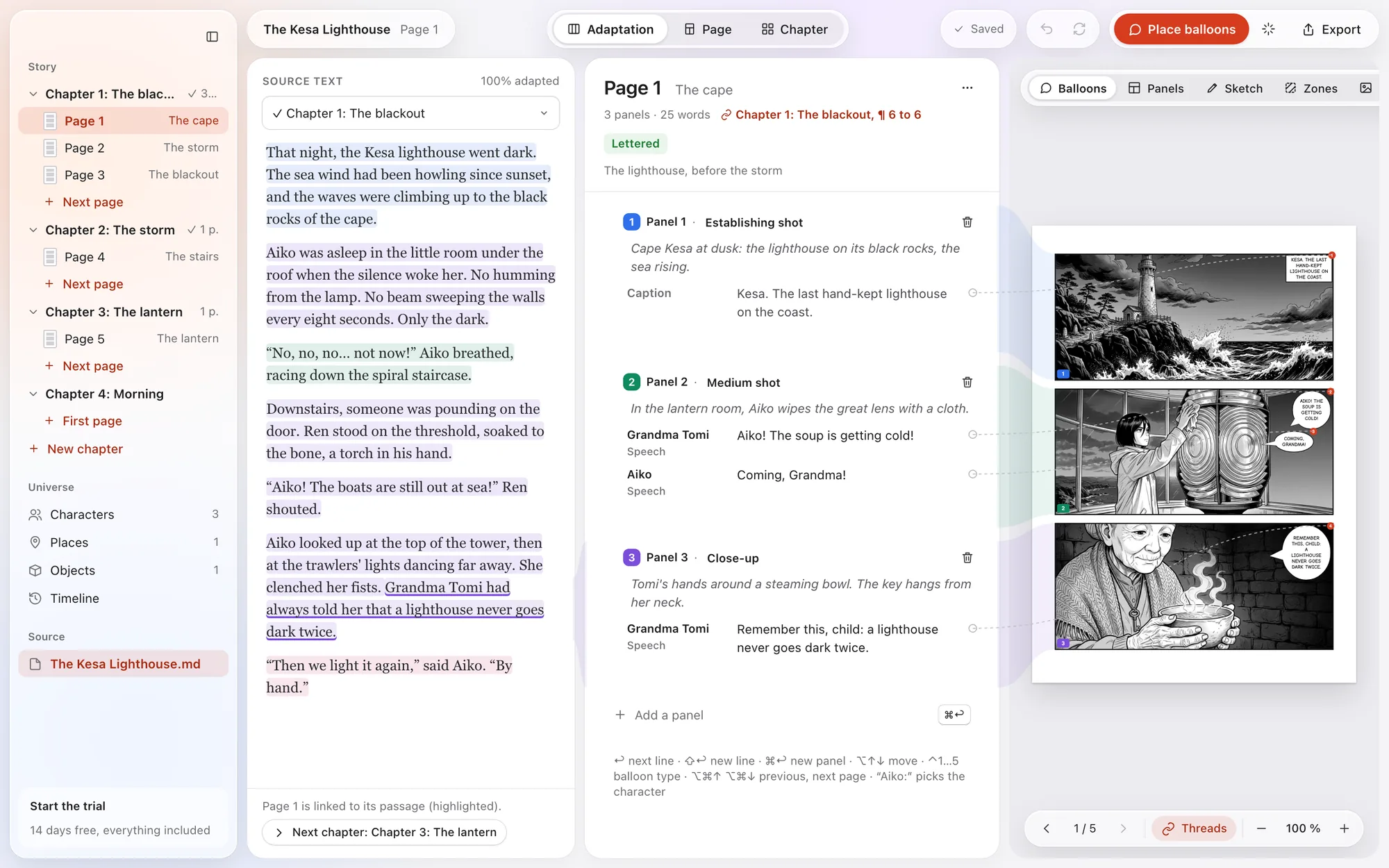
Kisho is the manga adaptation studio for Mac. Import your story, write the script panel by panel, drop in your drawn pages: the lettering places itself, in reading order.
macOS 14 or later · free 14-day trial, everything included · no account
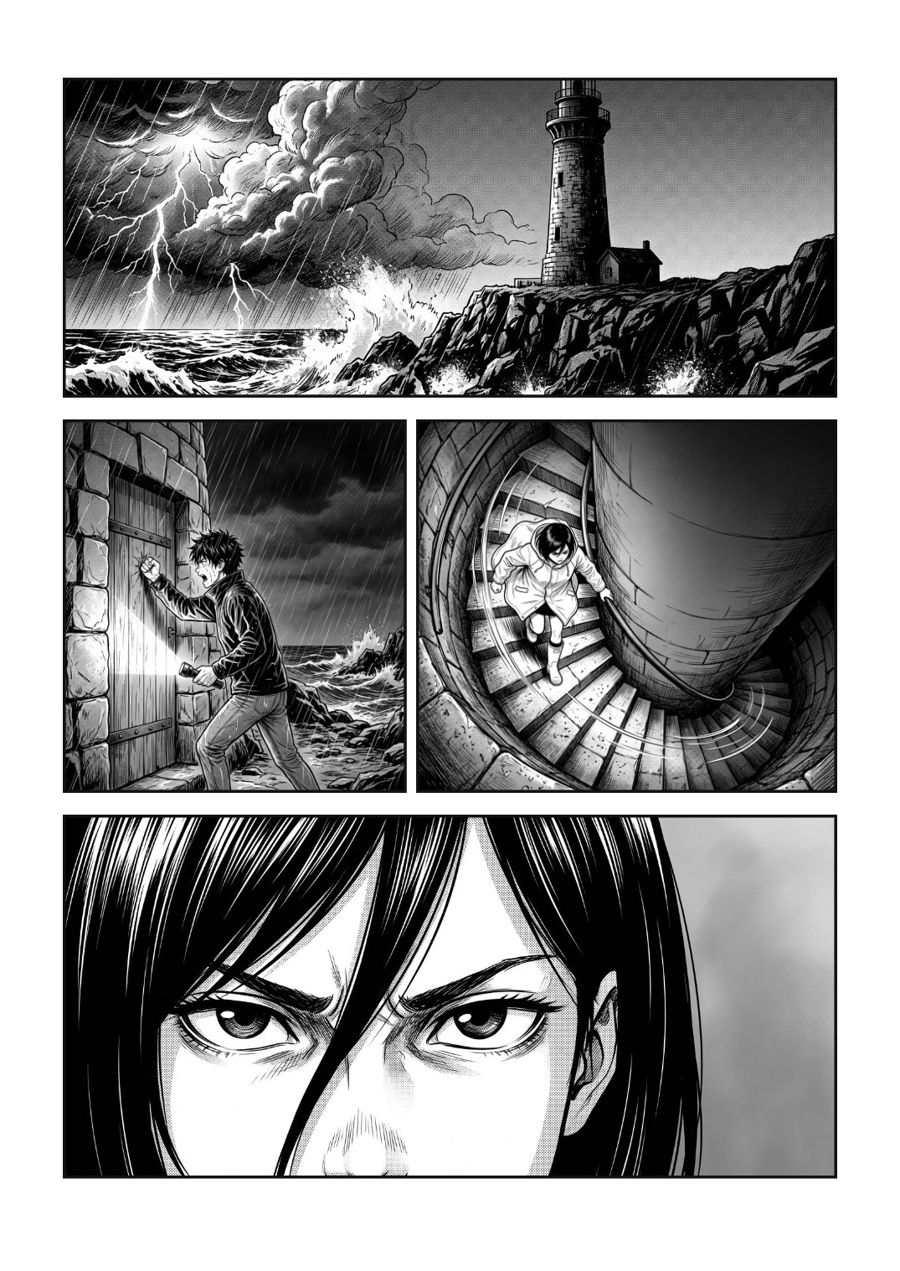
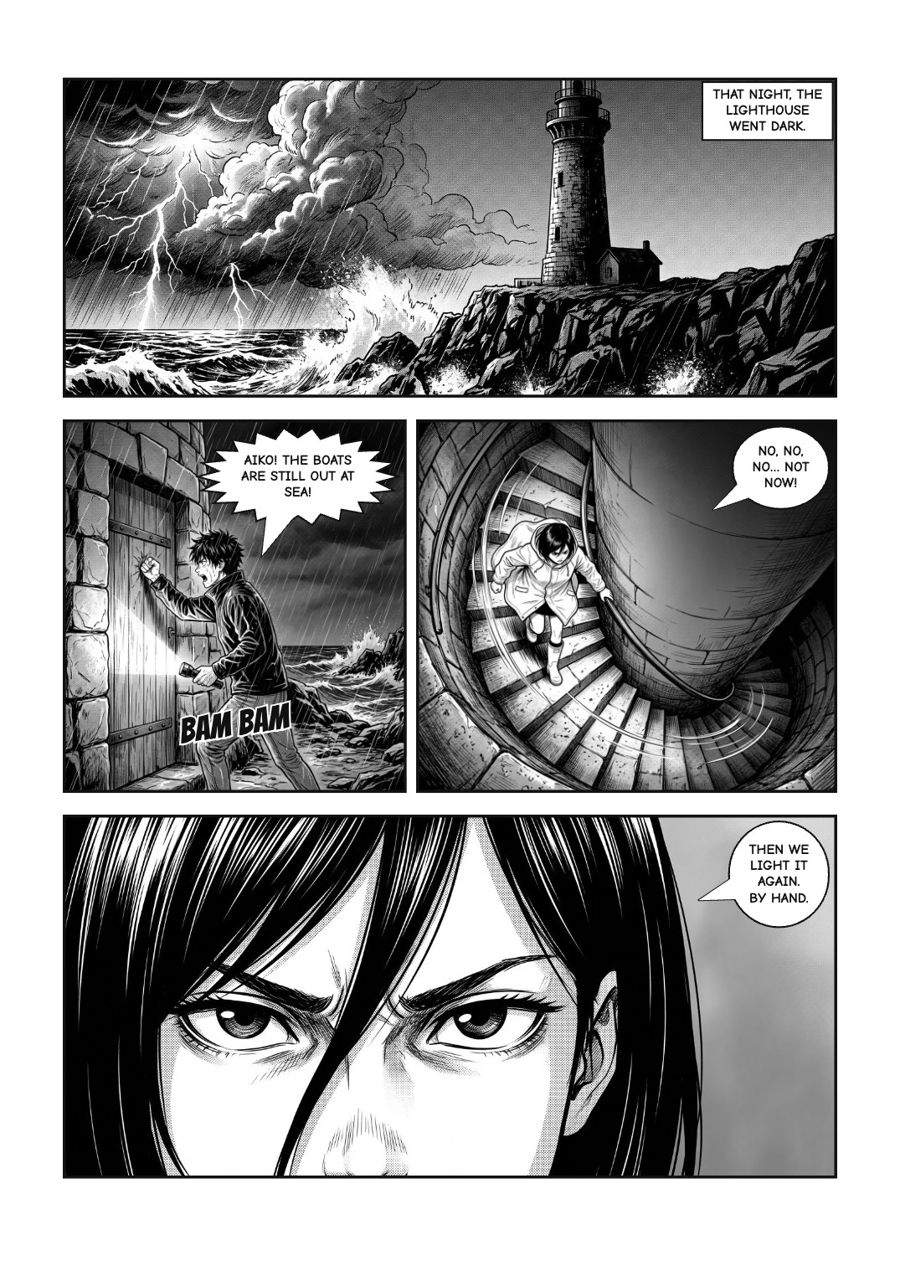
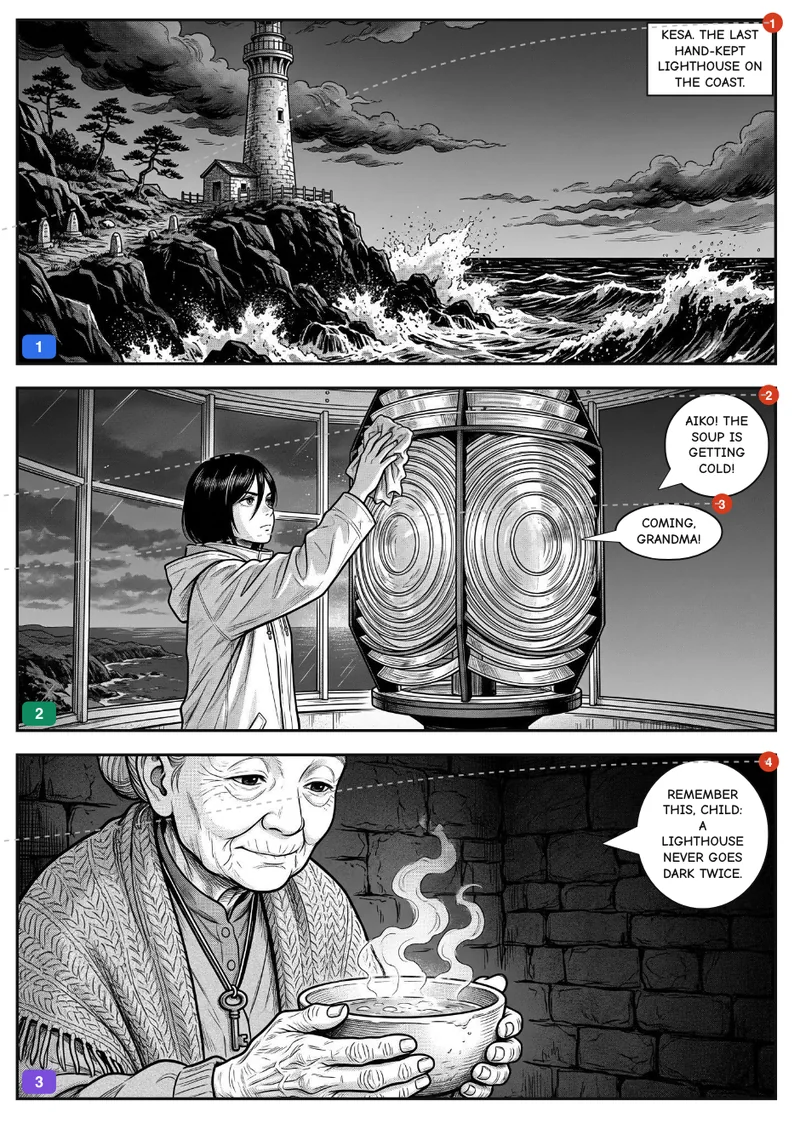
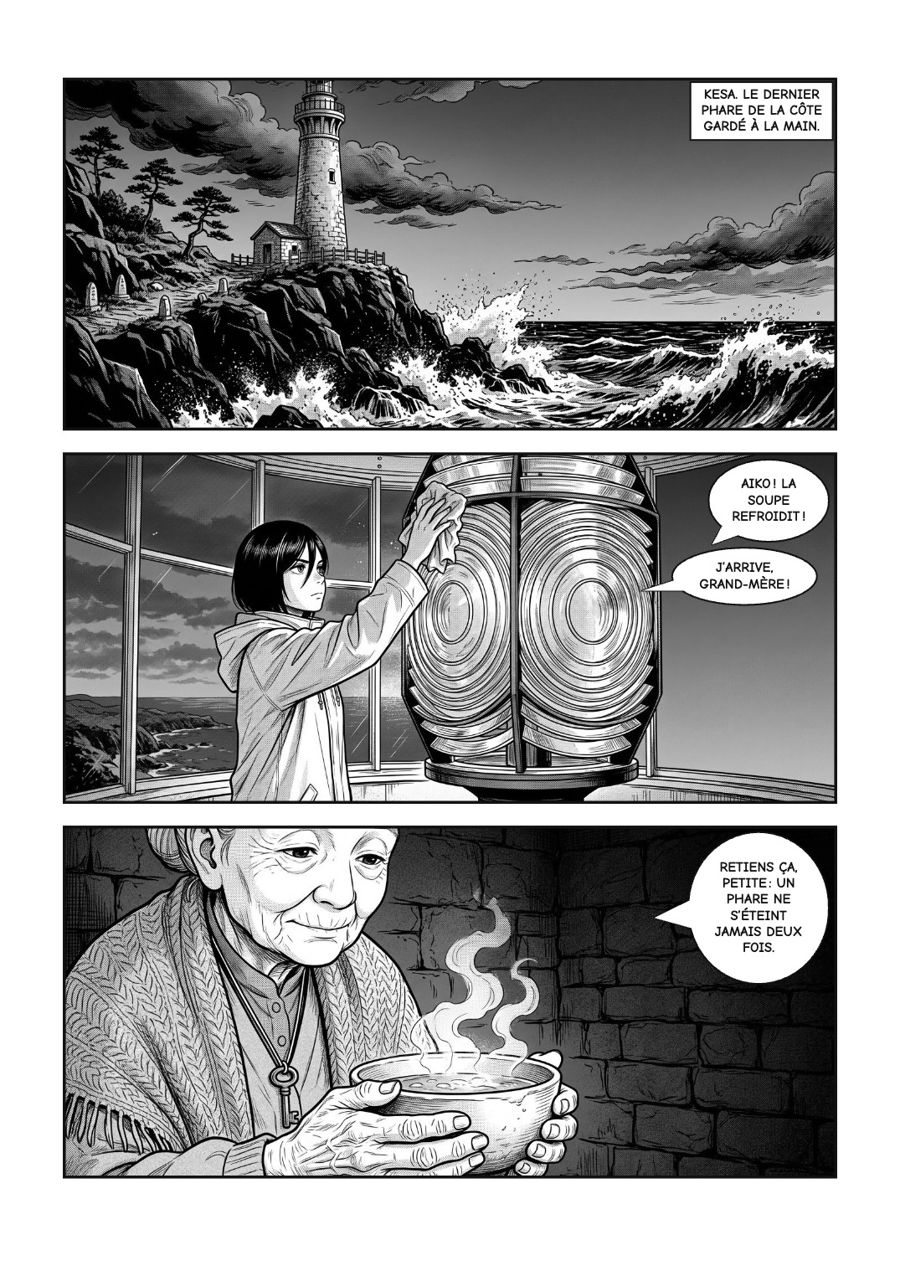
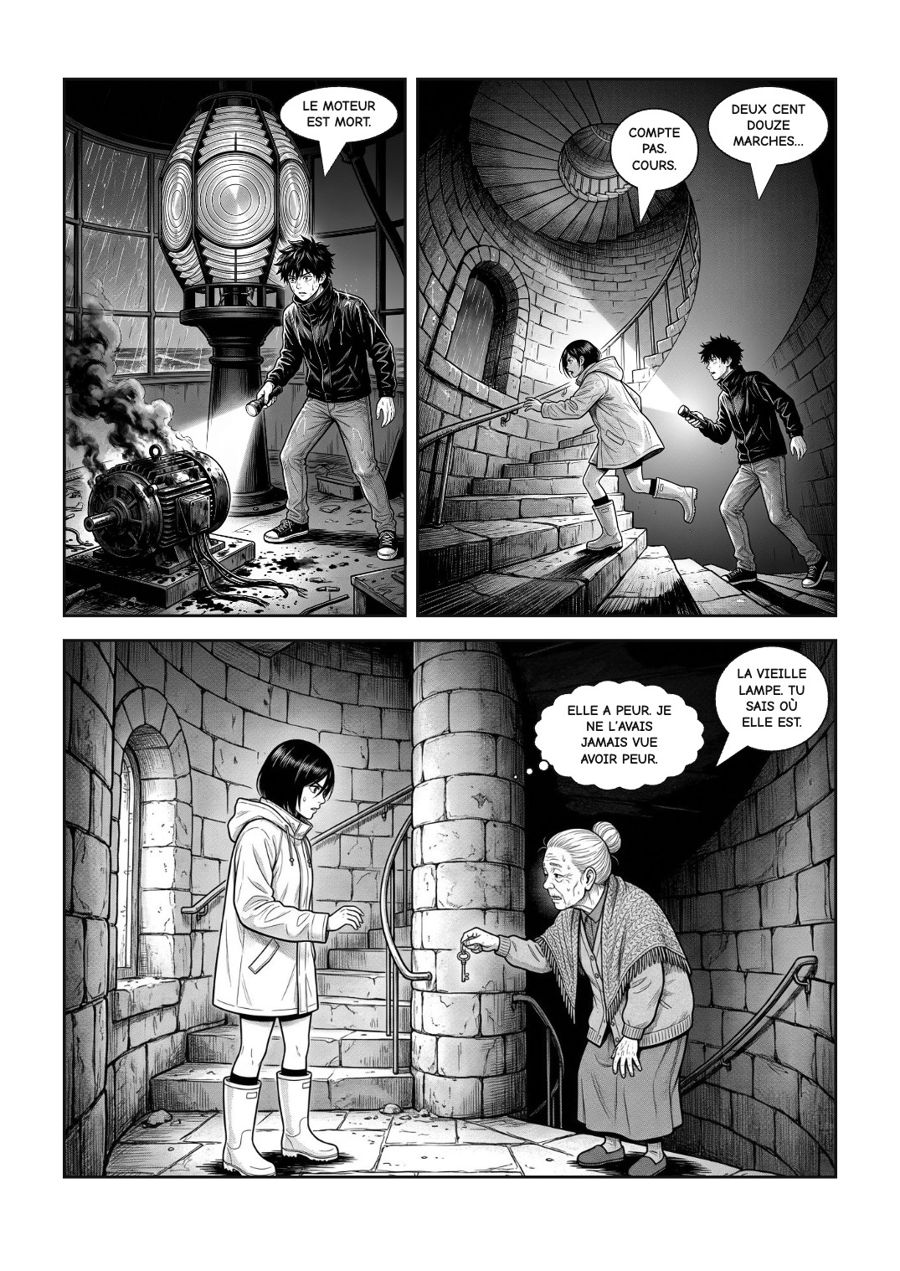
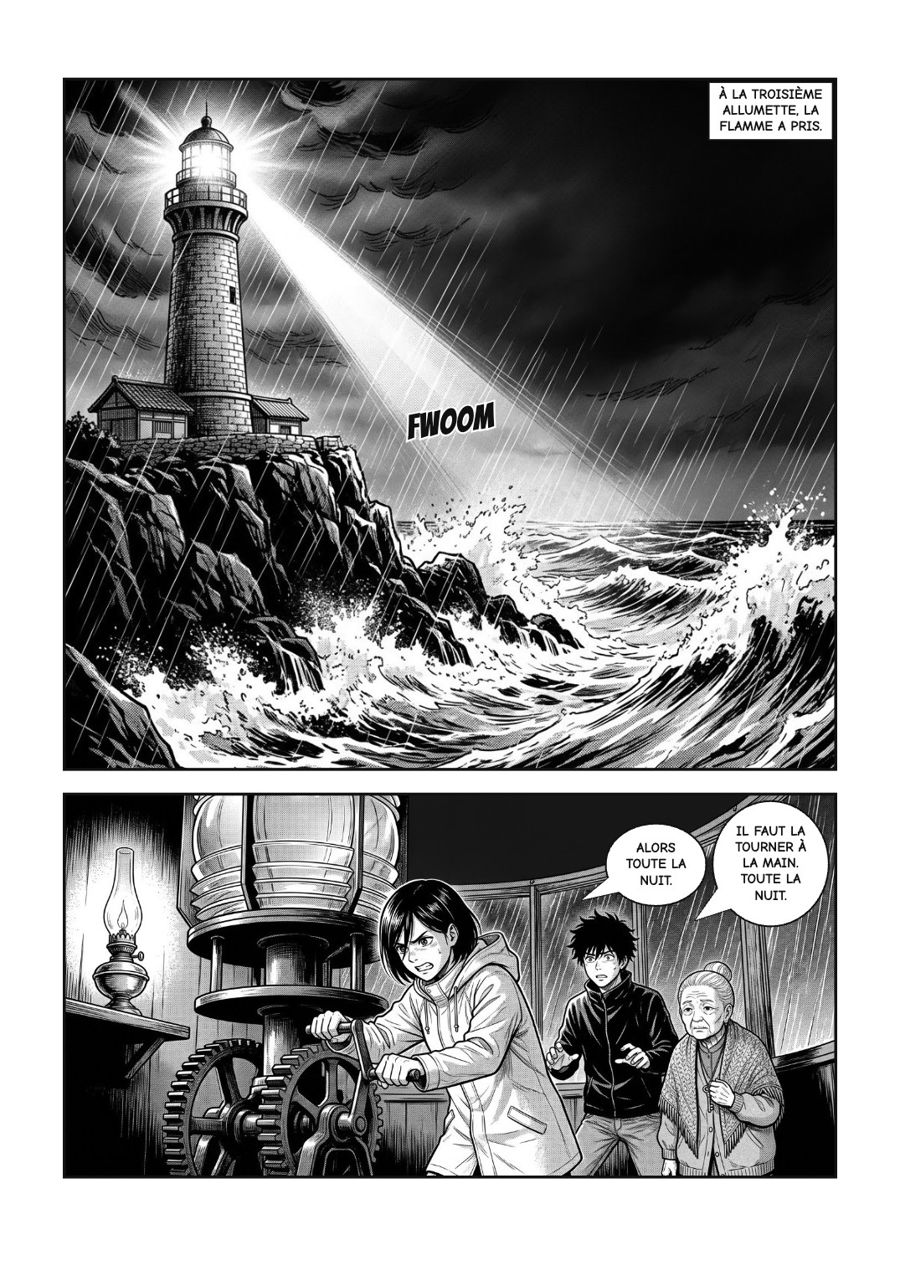
The same page, before and after automatic lettering.
The script on the left, the page on the right: every line is linked to its balloon.
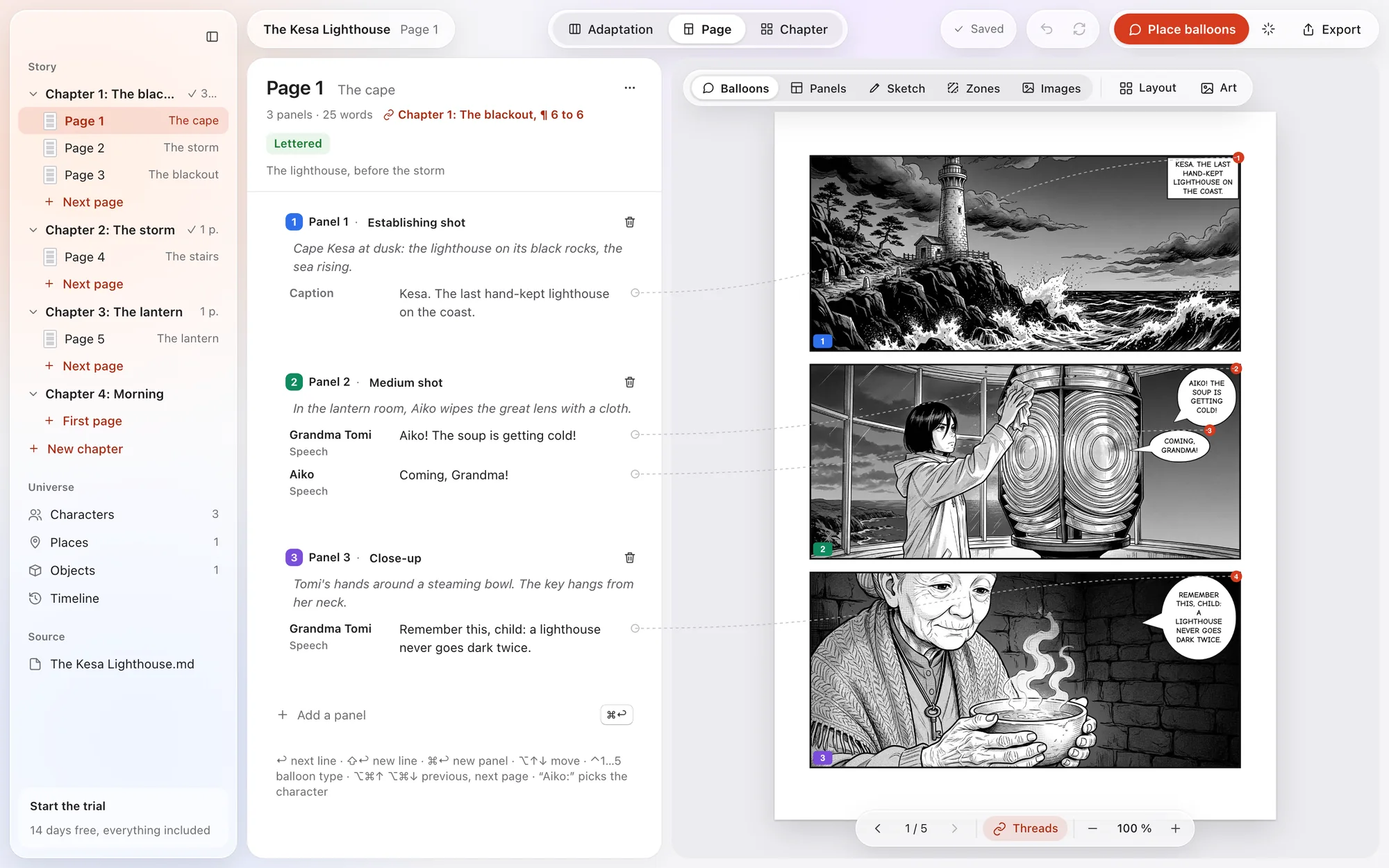
One thread, from the passage of the novel to the printed panel.
Import a .txt, .md or .docx. Kisho finds the chapters and suggests the characters. Each passage is linked to its panel, in the same colour.
Fifteen page layouts, panels you can move, split or merge, a quick sketch, then your drawn pages as PNG or JPG.
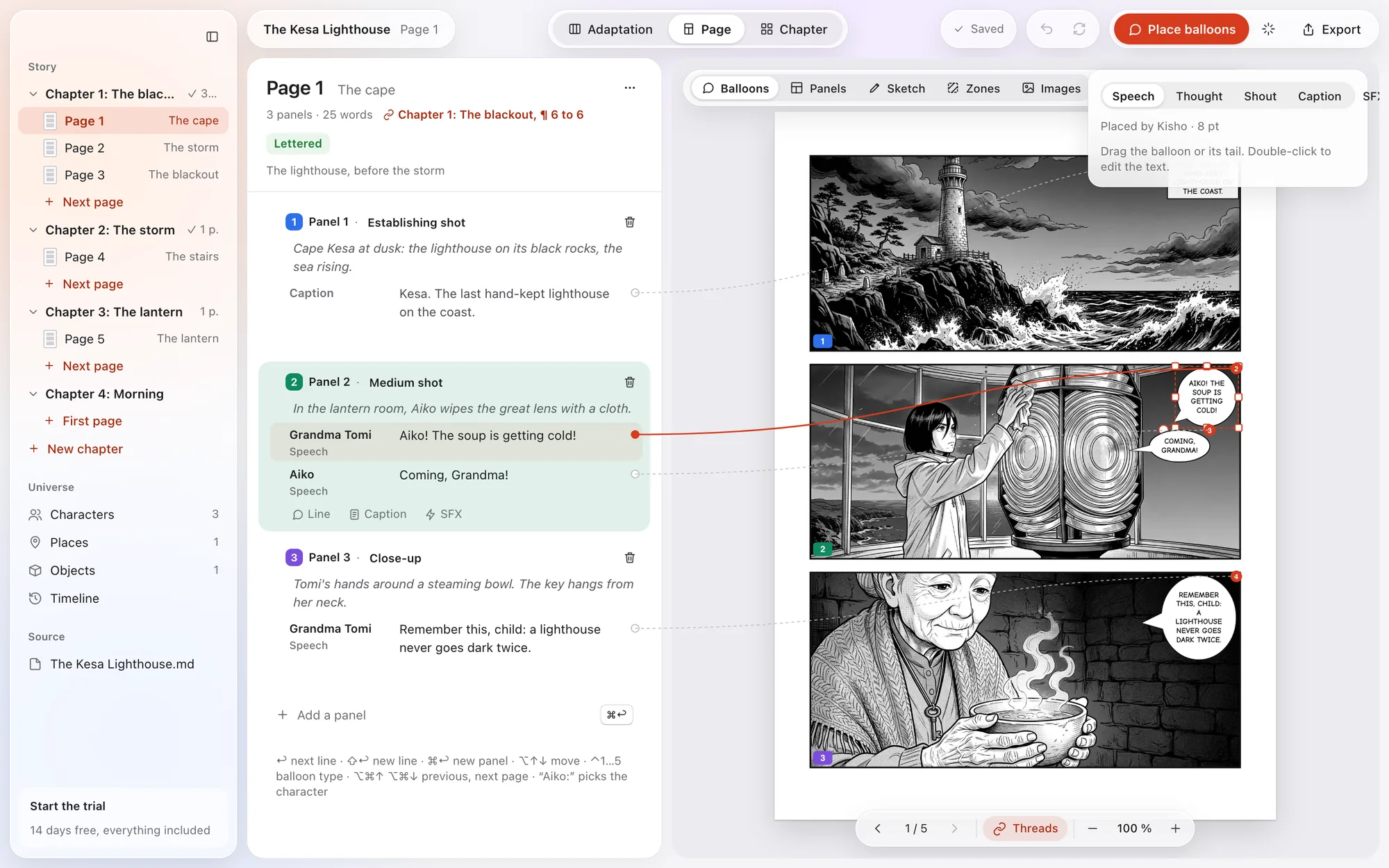
Speech, thought, shout, caption, sound effect: lettering places itself, right to left, avoiding faces. You adjust whatever you like by hand.
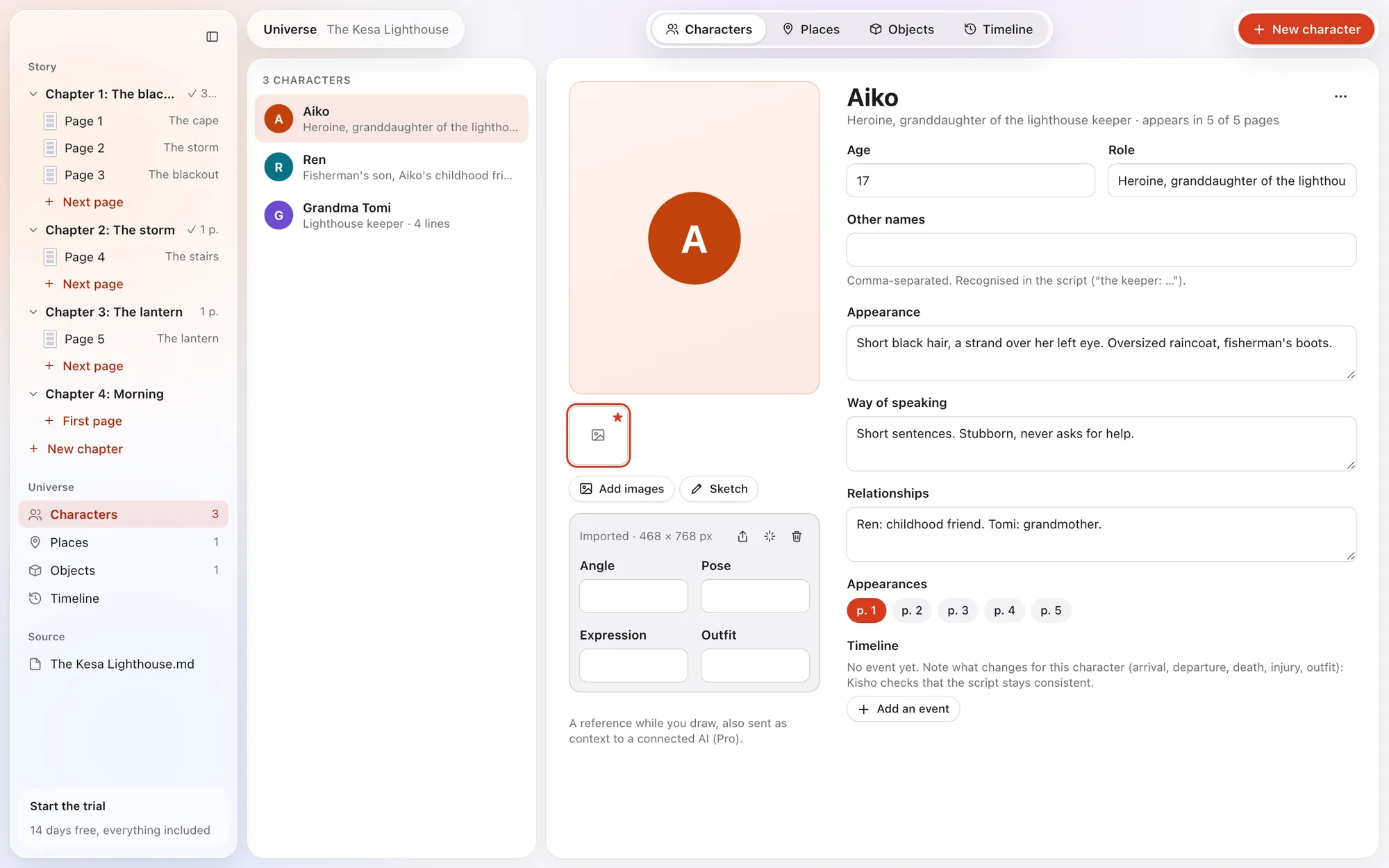
Characters, places, objects and timeline. Kisho recognises names in the script and checks that everything stays consistent.
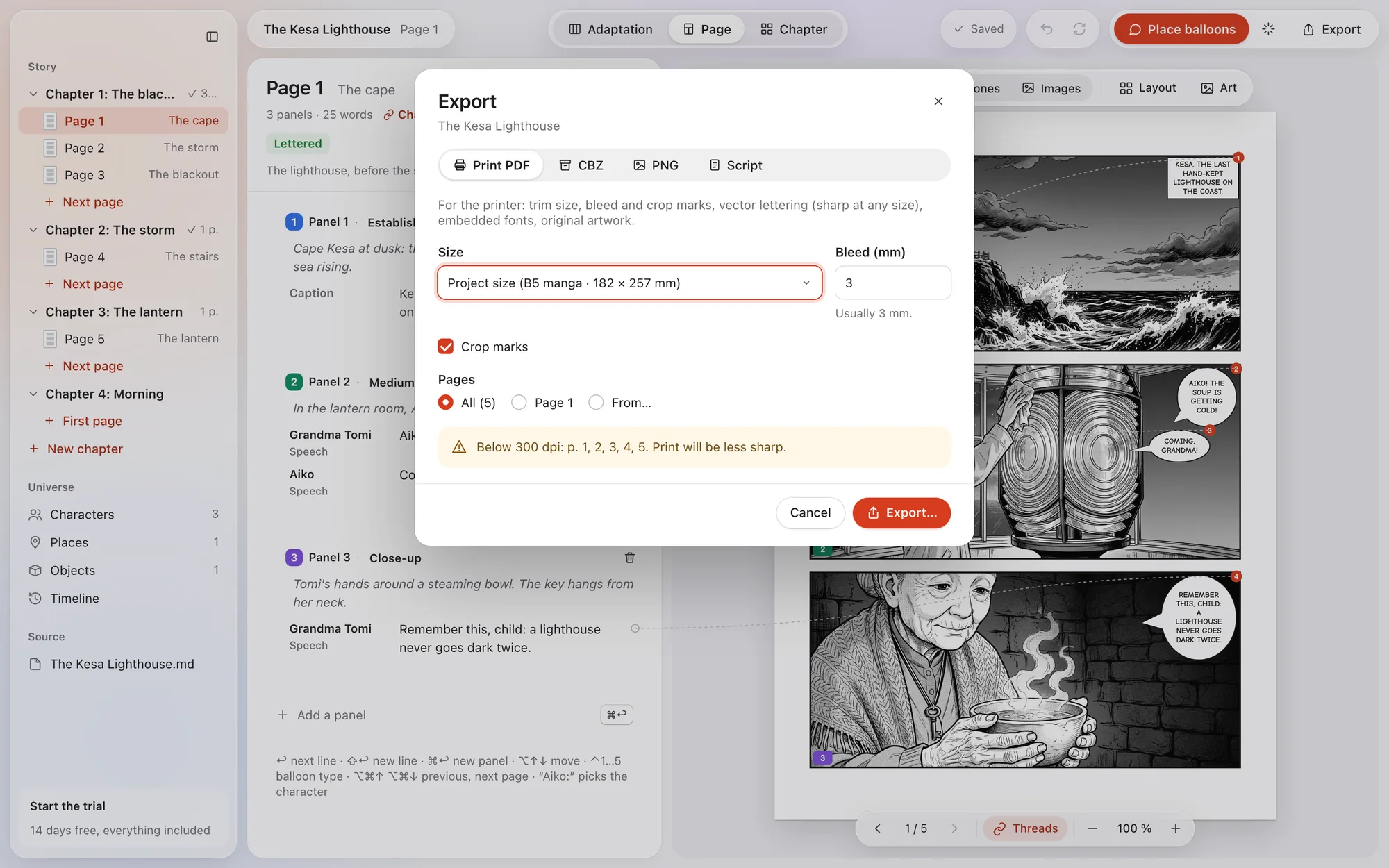
PDF with bleed and crop marks, vector lettering and embedded fonts. CBZ for comic readers, PNG, or the script alone.
Balloons too long, pages too busy, a character who vanishes: Kisho flags it and takes you to the page.
Interface and lettering typography in both languages. Manga (right to left) or comics (left to right).
“The Kesa Lighthouse”, the sample project that ships with the app. The lettering is straight out of the export.
A one-time purchase on the Mac App Store. No subscription. Prices in euros; your local price is shown in the app.
The 14-day trial is free and unlocks everything, Pro included. After the trial, your projects stay readable and exportable.
No account, no usage statistics, no trackers. Your projects are files you keep wherever you like. Read the privacy policy.